

Mesmer can now automate big parts of how you run your engineering team. A Workflow can give someone feedback, catch work that's gone stale, flag a metric that's moving the wrong way, or build a custom report — and deliver it on a schedule, wherever your team works.
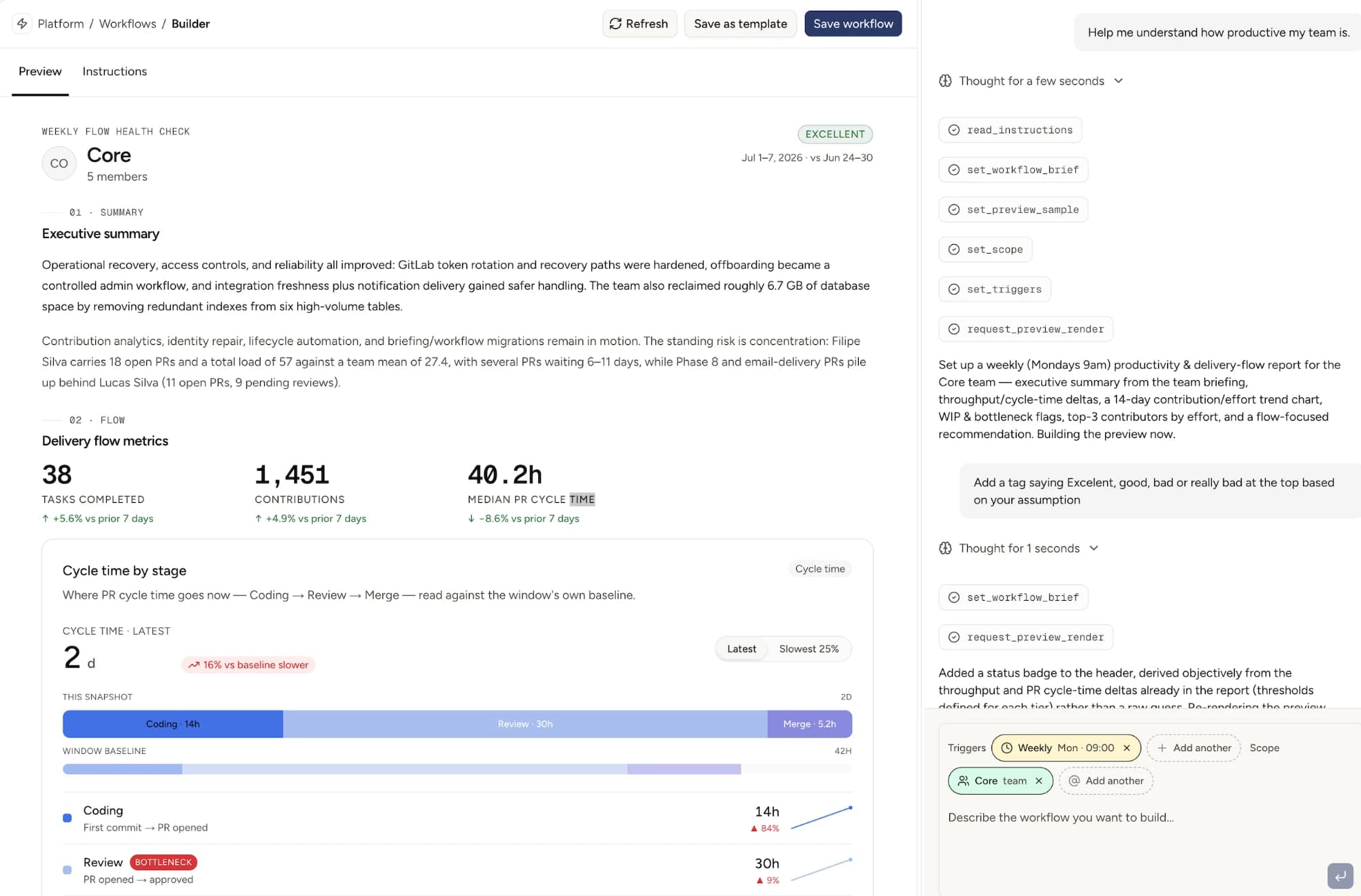
How it works#
- Describe the process you want to automate: what data is needed, how to interpret it, how should the output be presented. Mesmer generates a live preview for you to check out.
- Set the cadence and scope. Pick how often it runs and which organization, team, or people it covers.
- Get it where you work. It's delivered to your Mesmer inbox, by email, or as a Slack DM, on the schedule you set.
- That's one less meeting slowing you down.
Some of our early favorites#
- A weekly delivery digest grouped by project or ticket tag: what shipped, top contributors, anything at-risk. In your inbox on Monday morning.
- An effort leaderboard posted automatically to a team's engineering Slack channel.
- Standing 1:1 or review prep, so the numbers are ready before the meeting instead of assembled during it.
- PR and process health checks: check every contribution to make sure the team is sticking to processes.
Every report cites the contributions and briefings behind it, so you can trace any number back to its source.